证书下载

启动一个nginx
1
| docker run -d -p 80:80 -p 443:443 --name my-nginx nginx:alpine
|
然而我的服务器上不知道啥时候装了一个nginx,选择先停掉
1
| sudo systemctl stop nginx
|
上传pem和key
我选择放在了容器的/etc/nginx/cert/
然后配置nginx.config,注意里面的ip(我的nginx和app在两个docker里,所以通过docker网络来访问的,一开始填了个localhost能访问个鬼
1
2
3
4
5
6
7
8
9
10
11
12
13
14
15
16
17
18
19
20
21
22
23
24
25
26
27
28
29
30
31
32
33
34
35
36
37
38
39
40
41
42
43
| user nginx;
worker_processes auto;
error_log /var/log/nginx/error.log notice;
pid /var/run/nginx.pid;
events {
worker_connections 1024;
}
http {
include /etc/nginx/mime.types;
default_type application/octet-stream;
log_format main '$remote_addr - $remote_user [$time_local] "$request" '
'$status $body_bytes_sent "$http_referer" '
'"$http_user_agent" "$http_x_forwarded_for"';
access_log /var/log/nginx/access.log main;
sendfile on;
#tcp_nopush on;
keepalive_timeout 65;
#gzip on;
include /etc/nginx/conf.d/*.conf;
server {
listen 443 ssl;
server_name chat2.xdingdang.eu.org;
ssl_certificate cert/chat2.xdingdang.eu.org.pem;
ssl_certificate_key cert/chat2.xdingdang.eu.org.key;
location / {
proxy_pass http://<容器IP>:<Port>;
}
}
}
|
原先的workers
1
2
3
4
5
6
7
8
9
10
11
12
13
14
15
16
17
| addEventListener('fetch', event => {
event.respondWith(handleRequest(event.request))
})
async function handleRequest(request) {
const url = new URL(request.url);
url.port = 3000;
const newRequest = new Request(url, {
method: request.method,
headers: request.headers,
body: request.body,
redirect: request.redirect
});
return fetch(newRequest);
}
|
现在要改成转发到443
就这个地方卡了半天,无语了
1
2
3
4
5
6
7
8
9
10
11
12
13
14
15
16
17
18
| addEventListener('fetch', event => {
event.respondWith(handleRequest(event.request))
})
async function handleRequest(request) {
const url = new URL(request.url);
url.protocol = 'https:';
url.port = 443;
const newRequest = new Request(url, {
method: request.method,
headers: request.headers,
body: request.body,
redirect: request.redirect
});
return fetch(newRequest);
}
|
现在开严格模式也能访问到了,更安全了🤣
后记
似乎cf本身也会提供免费的TLS,以后可以试试
正常的域名解析
比如a.b.c解析到ip:8700
起一个nginx当然是可以的,另外还可以用cloudflare
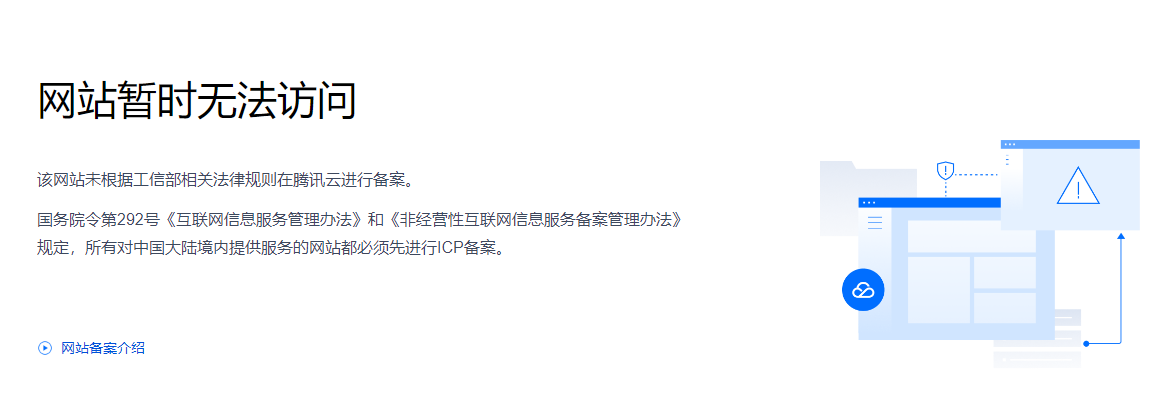
未备案的域名正常来说没法直接解析到国内服务器
写一个workers
内容同上,但是里面不要有DirectIP
配置workers路由
就是什么样的url会触发这个worker
配置A解析记录
让请求知道去哪


留言